Experiences & Worlds
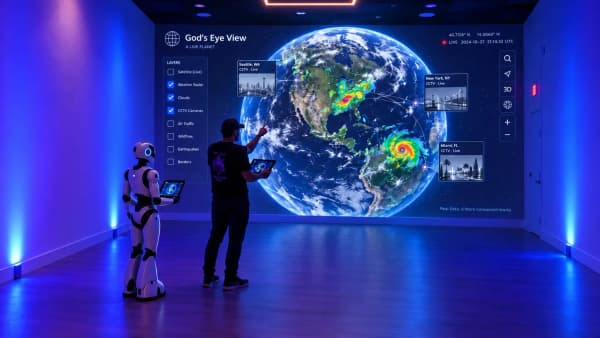
God’s Eye View at The Rectangle
A concept for exploring the Earth across a room through a voice-guided globe, public data, interactive projection, and a robot guide.
Interactive & Physical Experiences
Interactive and mixed-reality ideas are easy to pitch and hard to judge until someone stands in the room and tries them on real hardware, and once they work, staff need a way to run them for a group.
For venues, studios, and brands that want a room, a headset, or a character to respond to the people in front of it.
Worked example
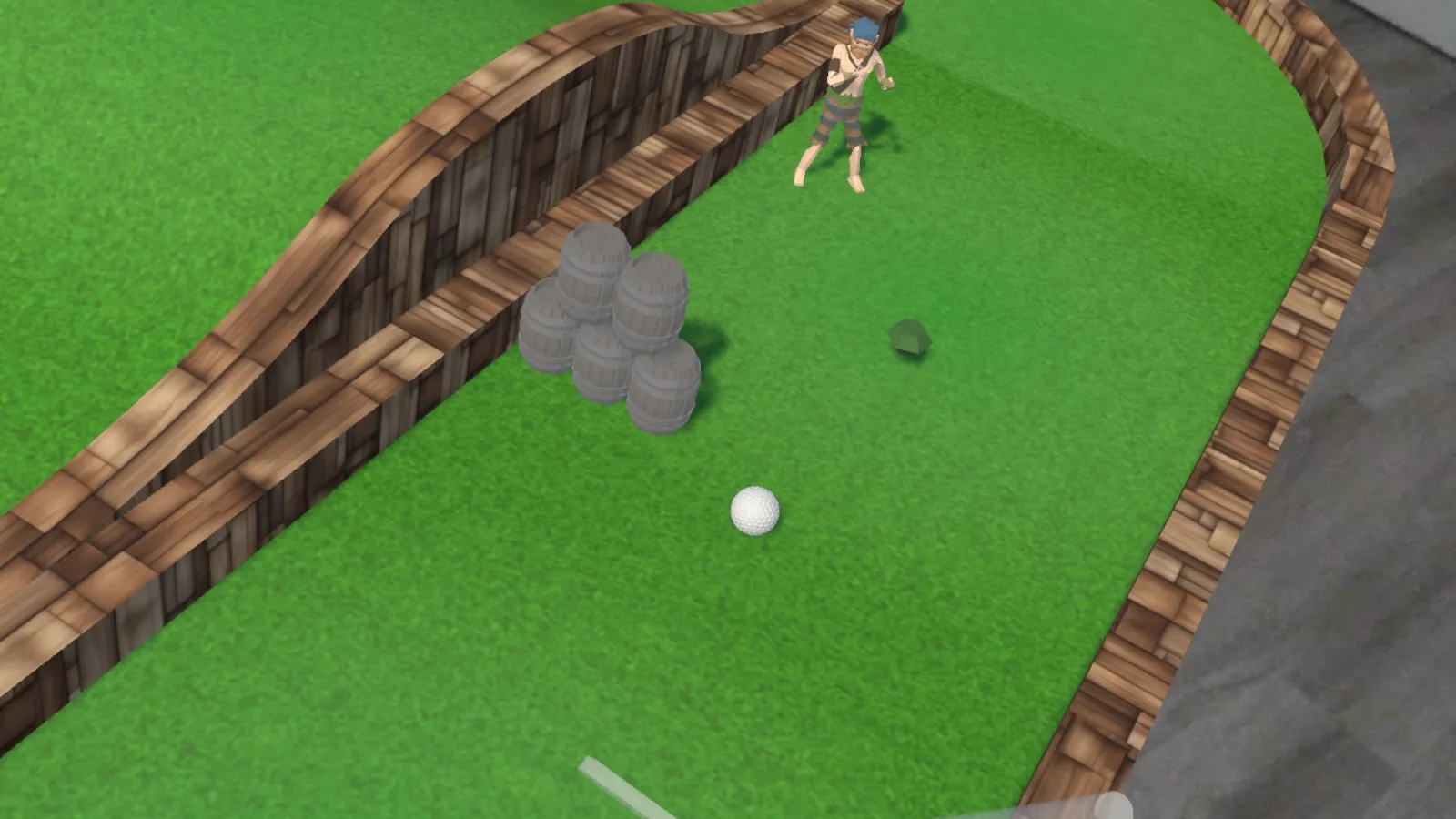
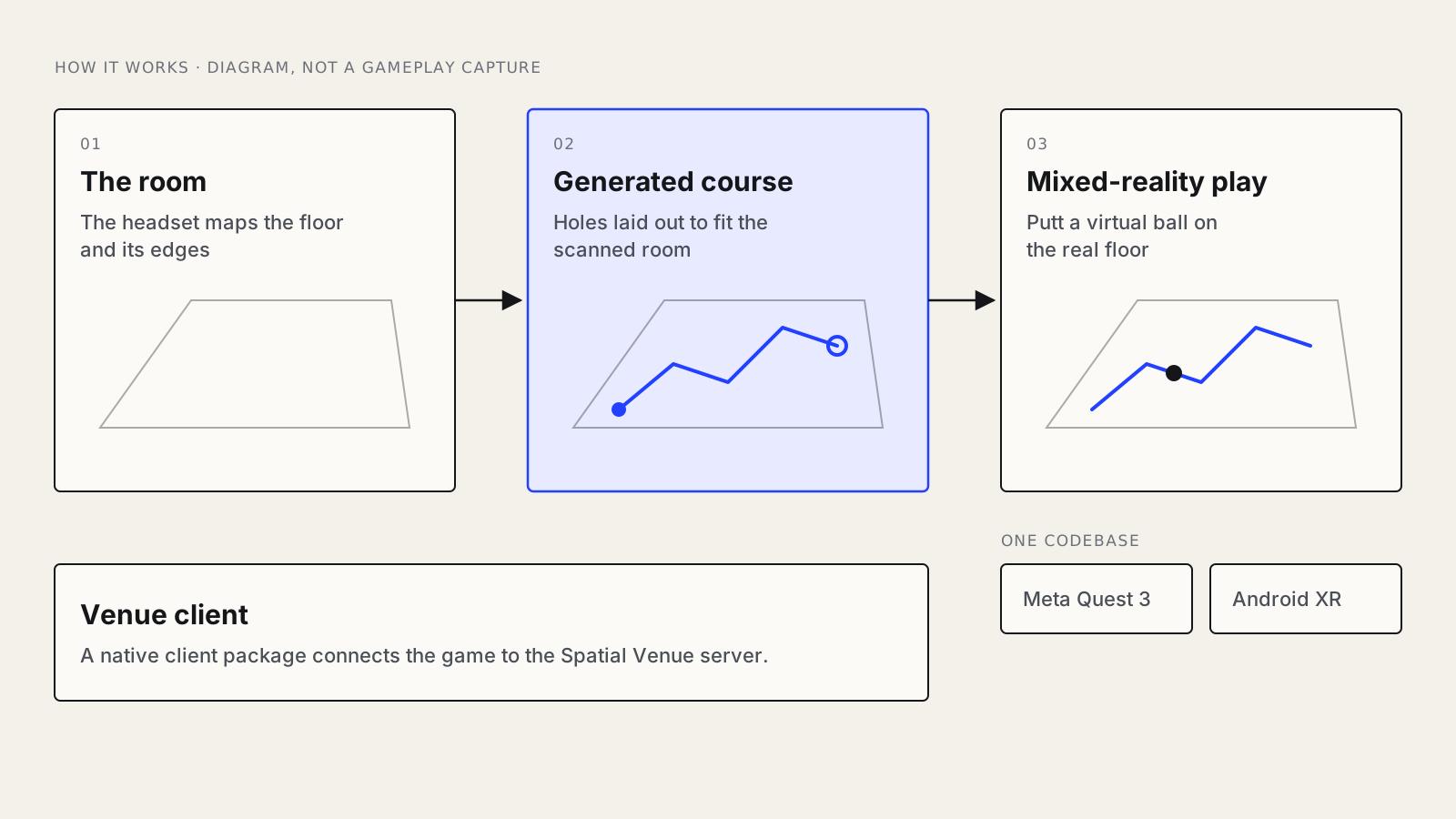
Puttscape is mixed-reality mini-golf: the headset scans the room and a generator fits a hole to the floor it finds, so the same game works in rooms of any size and shape. We moved the game to AR Foundation so one Unity codebase builds for Meta Quest 3 and Android XR, and built the procedural generator, hand tracking, putter physics, and theme packs on top.
For venue play we built the native client library, shipped as a Unity package, that connects the game to Spatial Venue, our venue server, which keeps the ball, scores, and course in one session and gives staff a live status page and a command-line control tool.
keeps every headset in the room in one server-authoritative session and gives staff one view of the floor.
is the Unity starting point that builds for Meta Quest 3 and Android XR from one codebase.
is the open protocol designed so lighting, sound, projection, and robots can follow the experience as device nodes.
discovers the headsets on the venue network and reports battery, tracking, and frame rate to the status page.
is designed to run walls, floor, ceiling, and a robot host as one experience when a room is the stage.
Unity and Unreal experiences for Meta Quest, Android XR, and Apple Vision Pro from one codebase.
Courses, levels, and layouts generated to fit a scanned room or to change between visits.
A server that keeps every headset in one session and gives staff one view of the floor.
Characters with a persona and a voice that respond to guests, on a screen, a projection, or a robot.
Lighting, sound, projection, and robots that follow the experience through an open control protocol.
A command-line control tool and a live status page for the people who run the floor, plus simulated players for load tests.
Projects
Experiences & Worlds
A concept for exploring the Earth across a room through a voice-guided globe, public data, interactive projection, and a robot guide.

Experiences & Worlds
Mixed-reality mini-golf on Meta Quest 3 and Android XR from one codebase, with holes generated from the scanned room and a venue client that connects the game to our Spatial Venue server.
Systems & Research
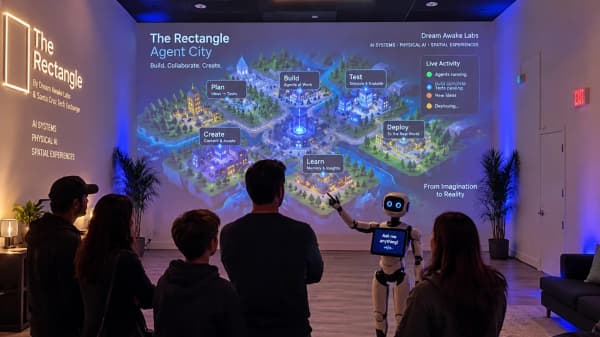
A working creative space in Santa Cruz for DJ rehearsals, media production, and XR experiments, supported by an agent-ready booking website.
Where to start
Next step
Plan an experienceGet in touch
Describe it in a few sentences. You get a draft brief to review before anything is sent.